

Embed a W&B report in an external page or tool so that your team can view live experiment results alongside other documentation. This page describes how to generate an embed code from a report and use it in HTML, Confluence, Notion, or Gradio.Documentation Index
Fetch the complete documentation index at: https://wb-21fd5541-style-guide-support-models-articles-20260527-00.mintlify.app/llms.txt
Use this file to discover all available pages before exploring further.
HTML iframe element
Use an HTML iframe element to embed a report on any web page that accepts custom HTML. W&B provides a prebuilt embed code that you can copy directly from the report.
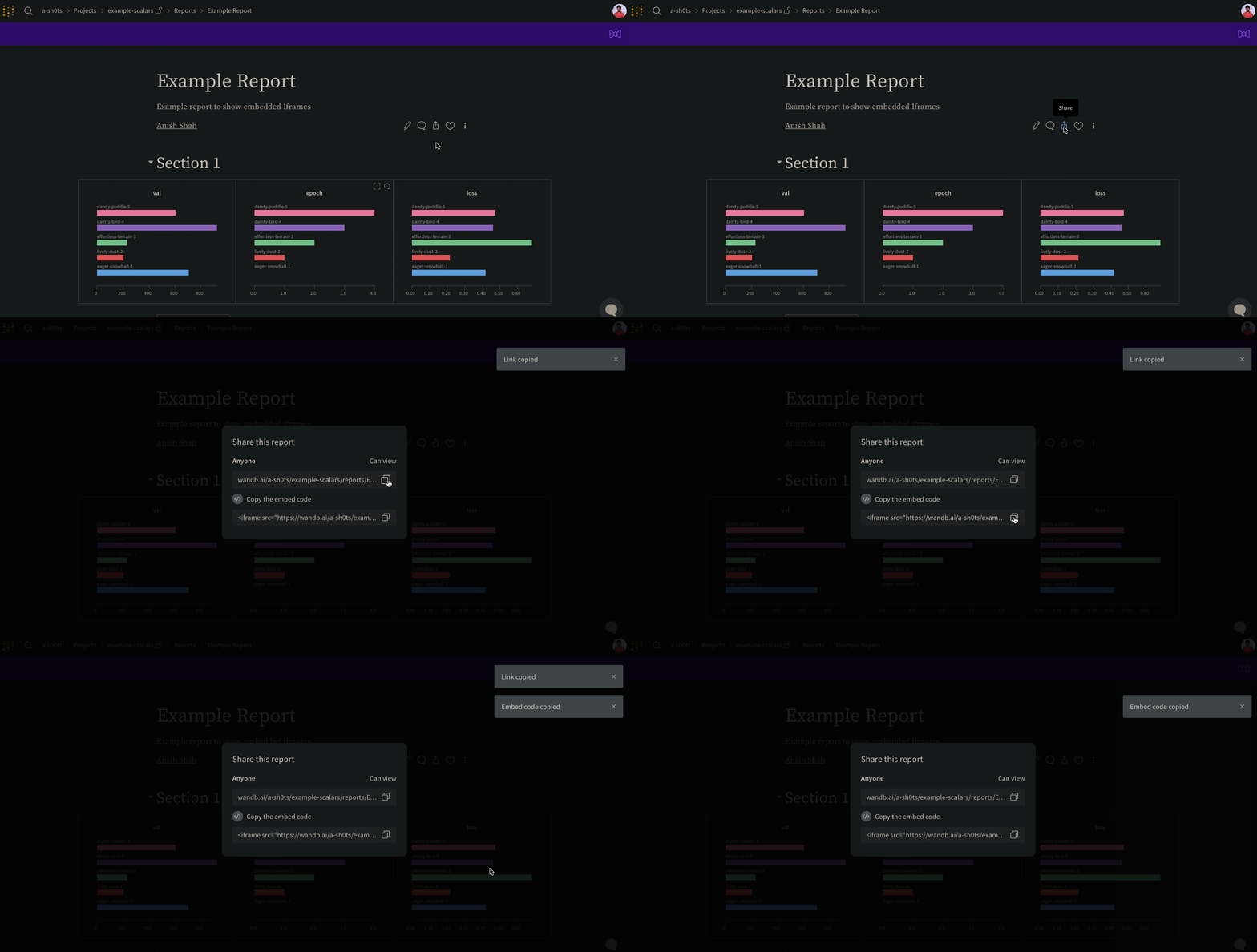
Select the Share button in the upper right of a report to open a dialog, then select Copy embed code. The copied snippet is an iframe HTML element that you can paste into any page that accepts custom HTML.
Only public reports are viewable when embedded.
Confluence
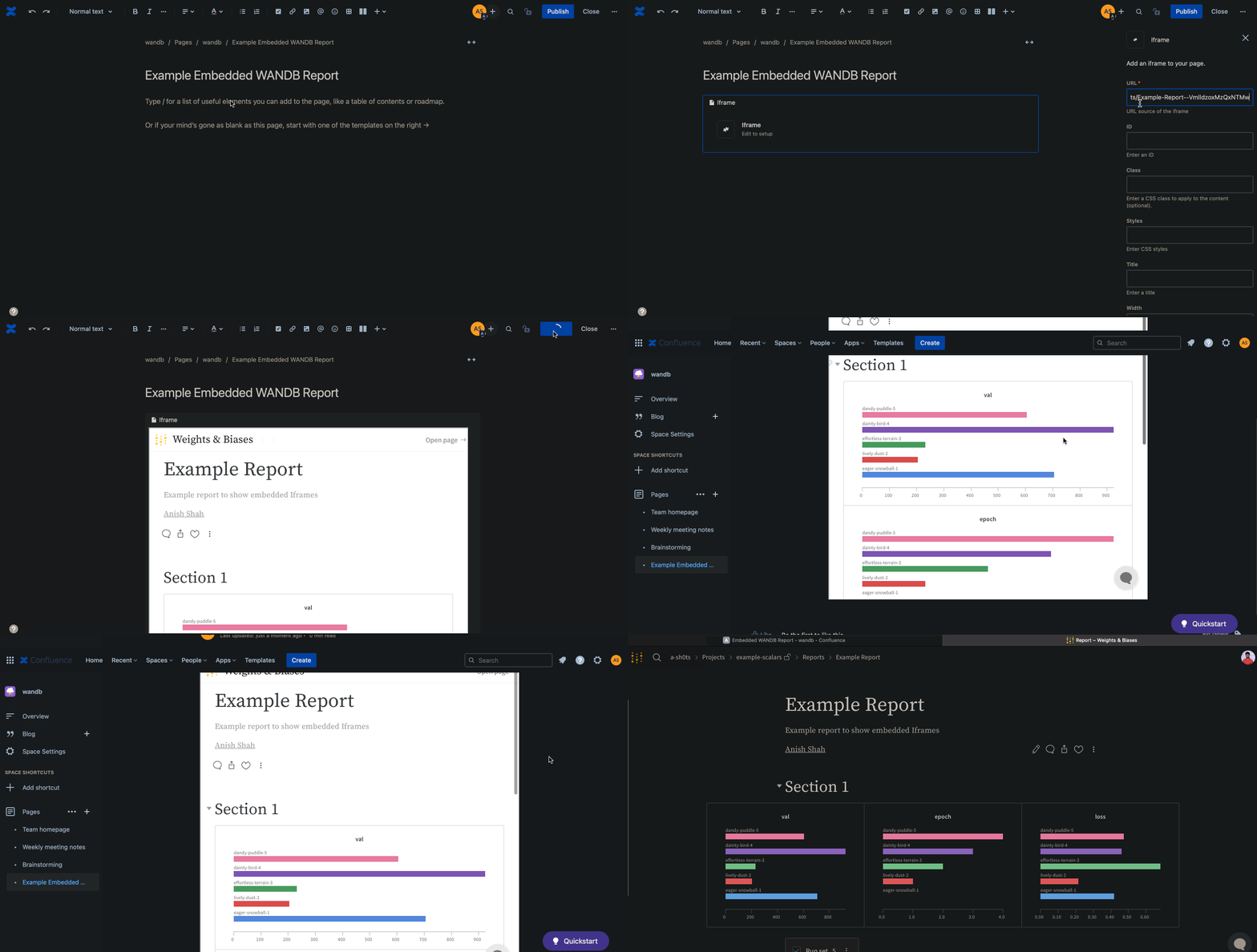
The following animation demonstrates how to insert the direct link to the report within aniframe cell in Confluence.
Notion
The following animation demonstrates how to insert a report into a Notion document using an Embed block in Notion and the report’s embed code.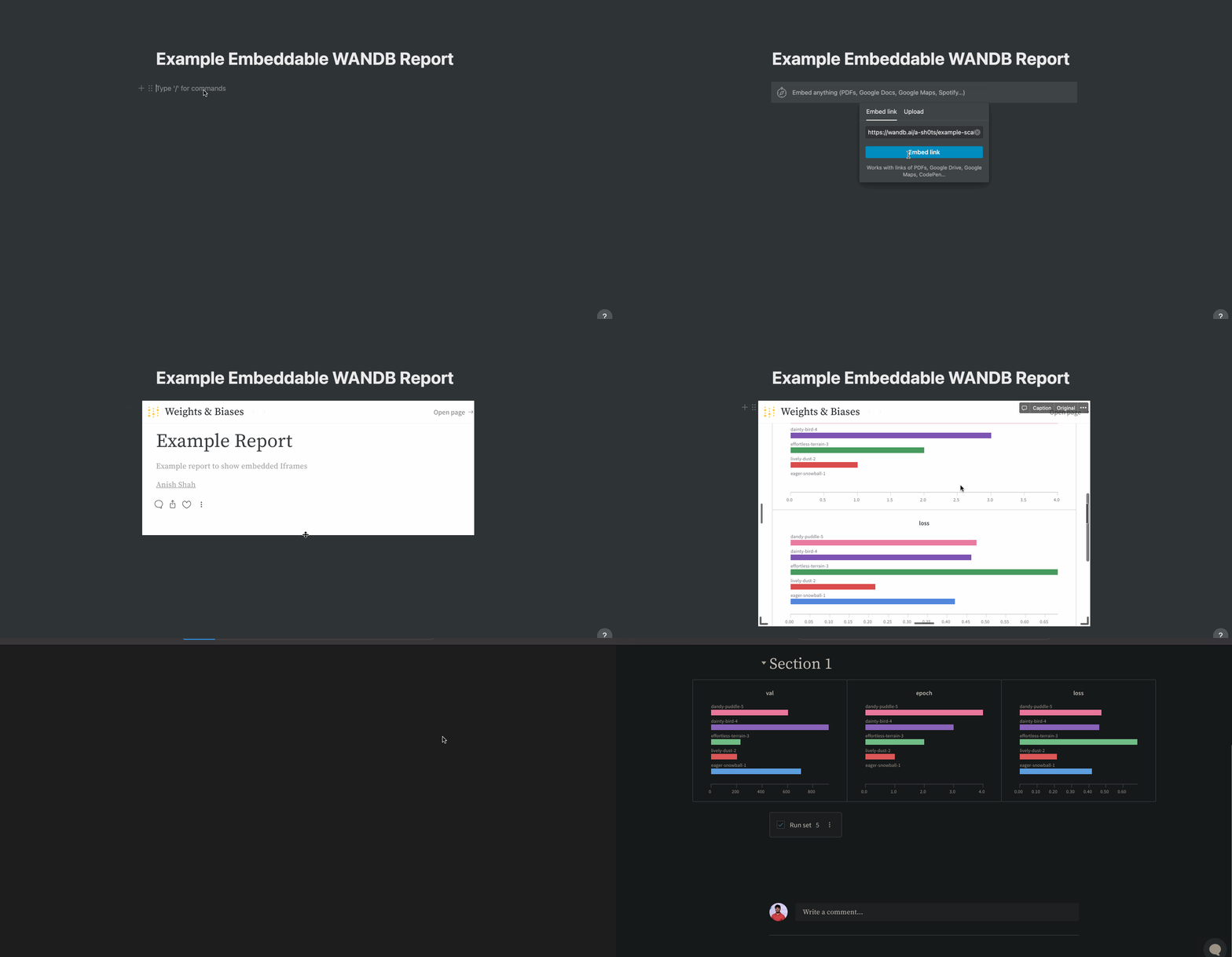
Gradio
To embed a W&B report in a Gradio app, including an app hosted on Hugging Face Spaces, use Gradio’sgr.HTML element to render an iframe that points to the report URL.