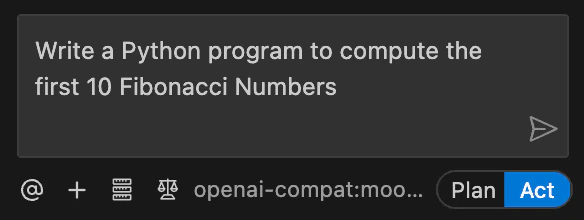
Cline is an AI-powered coding assistant. This tutorial demonstrates how to configure Cline to use models provided by Serverless Inference, so that you can use open-weight models hosted on W&B Inference for your coding tasks. The Cline agent is available as a command line tool or as an integration with many IDEs. The following sections describe configuration with the Cline CLI and with Cline as a Visual Studio Code extension. Configuration in other IDEs is similar.Documentation Index
Fetch the complete documentation index at: https://wb-21fd5541-style-guide-support-models-articles-20260527-00.mintlify.app/llms.txt
Use this file to discover all available pages before exploring further.
Prerequisites
You need your W&B API key.Set up Cline in the command line
Install the Cline CLI.2.5.1. Run cline version to verify what you have installed.
Next, authenticate Cline against the Serverless Inference endpoint. The following command configures Cline to use the Serverless Inference OpenAI-compatible endpoint and the Kimi K2.5 model. Substitute [YOUR-API-KEY] with your W&B API key.
Set up Cline in Visual Studio Code
If you prefer to use Cline inside an IDE, you can install it as a Visual Studio Code extension. Search for Cline in the VS Code Extensions Marketplace, or install it from the Visual Studio Code Marketplace. Click Install.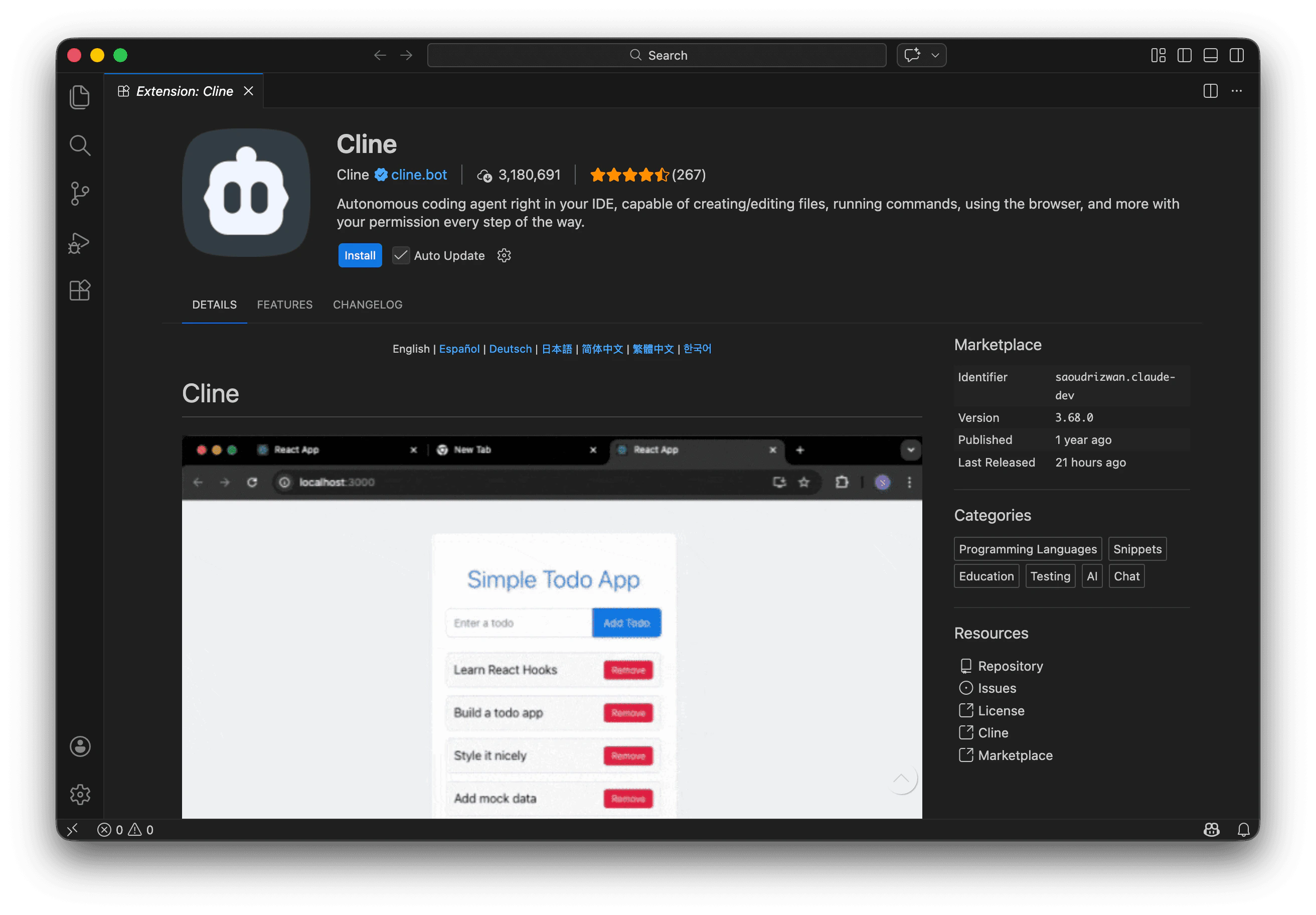

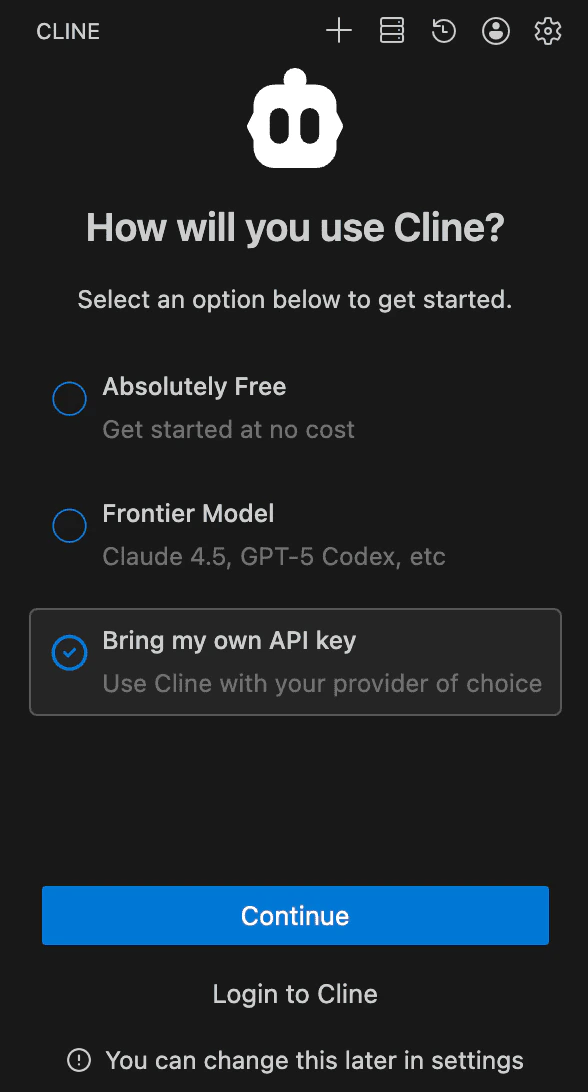
[YOUR-API-KEY] with your W&B API key:
| Setting | Value |
|---|---|
| API Provider | OpenAI Compatible |
| Base URL | https://api.inference.wandb.ai/v1 |
| OpenAI Compatible API Key | [API-KEY] |
| Model ID | moonshotai/Kimi-K2.5 |