

By default,Documentation Index
Fetch the complete documentation index at: https://wb-21fd5541-style-guide-support-models-articles-20260527-00.mintlify.app/llms.txt
Use this file to discover all available pages before exploring further.
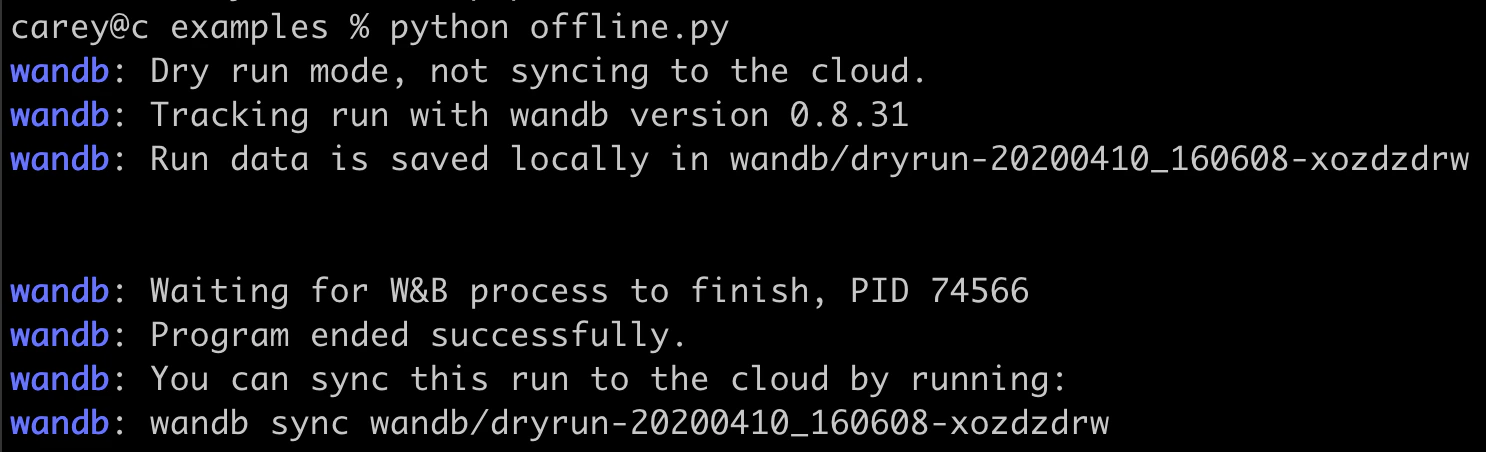
wandb.init starts a process that syncs metrics in real time to the cloud. If you need to run experiments without an internet connection, you can enable offline mode to log metrics locally and upload them once a connection is available. This page shows how to configure offline mode and sync your data later.
To enable offline mode, set the following environment variables:
WANDB_API_KEY=[YOUR-API-KEY], where[YOUR-API-KEY]is an API key created at User Settings.WANDB_MODE="offline".
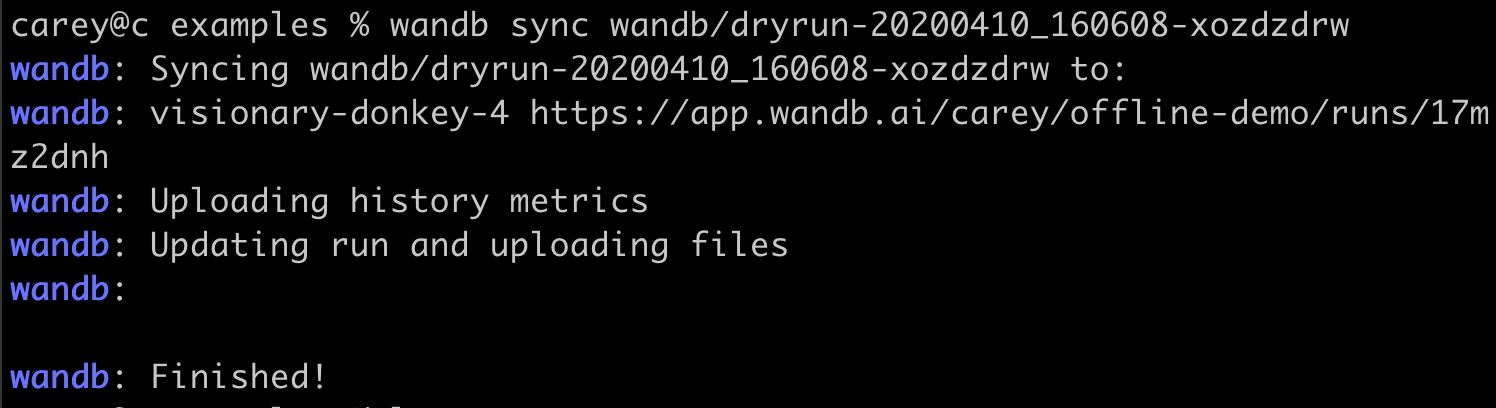
[DRYRUN-FOLDER-NAME] with the name of your local run folder:
Experiments Environment Variables Metrics