

To delete a custom chart preset:Documentation Index
Fetch the complete documentation index at: https://wb-21fd5541-style-guide-support-models-articles-20260527-00.mintlify.app/llms.txt
Use this file to discover all available pages before exploring further.
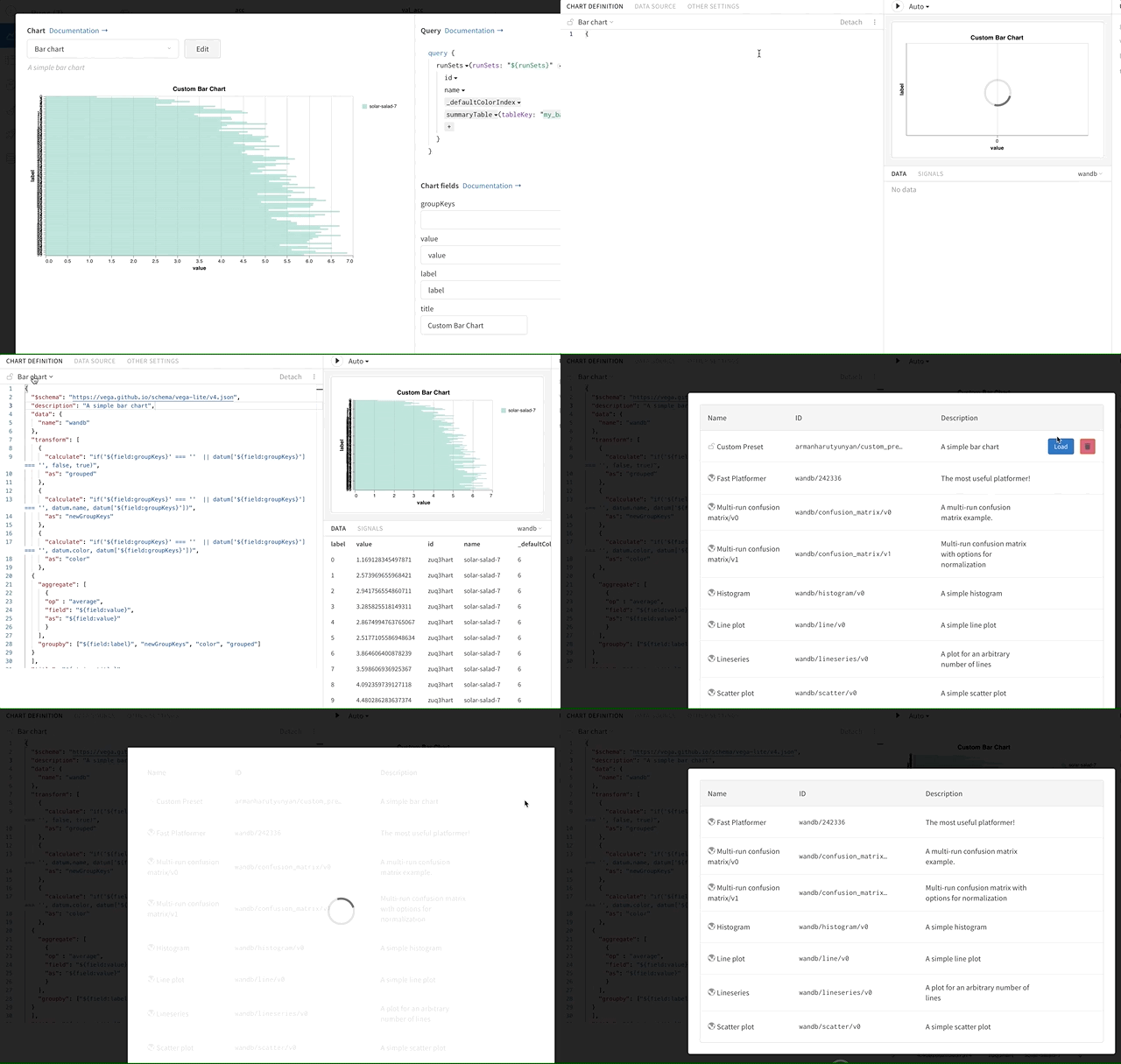
- Access the custom chart editor.
- Click the currently selected chart type to open a menu that displays all presets.
- Hover over the preset to delete, then click the Trash icon.
Charts